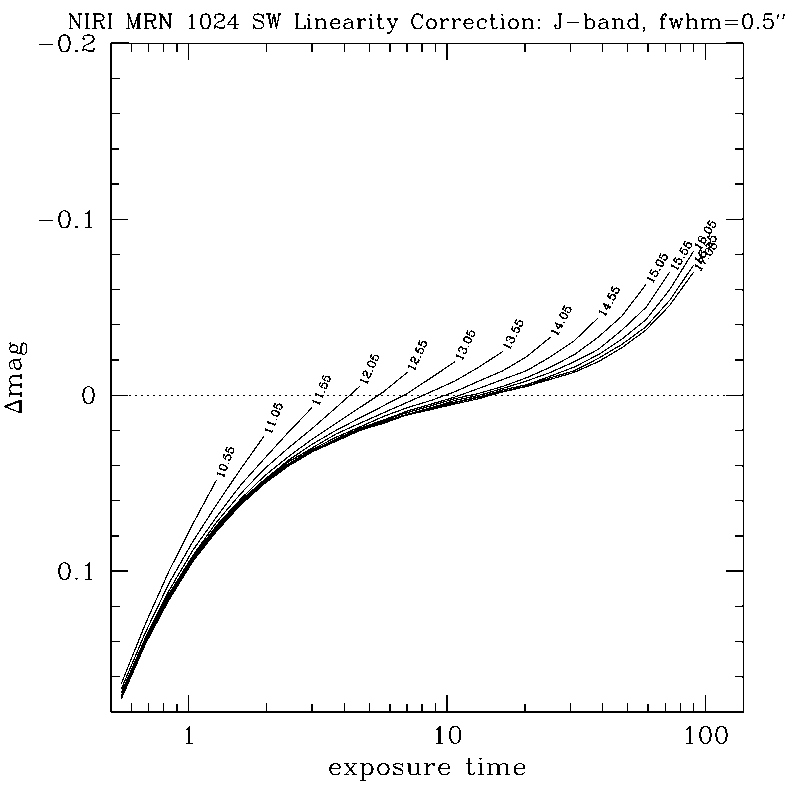
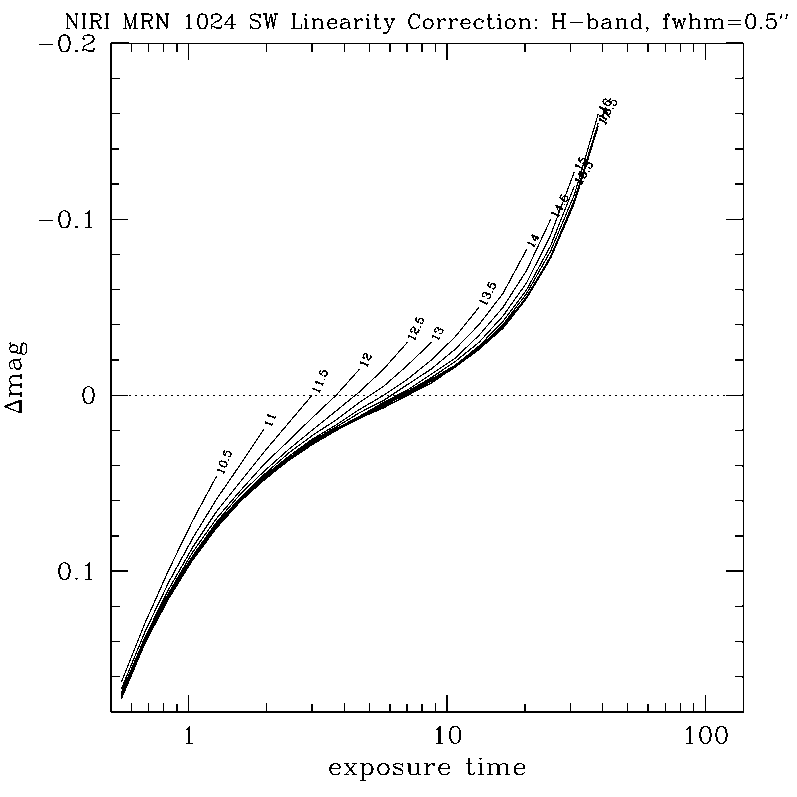
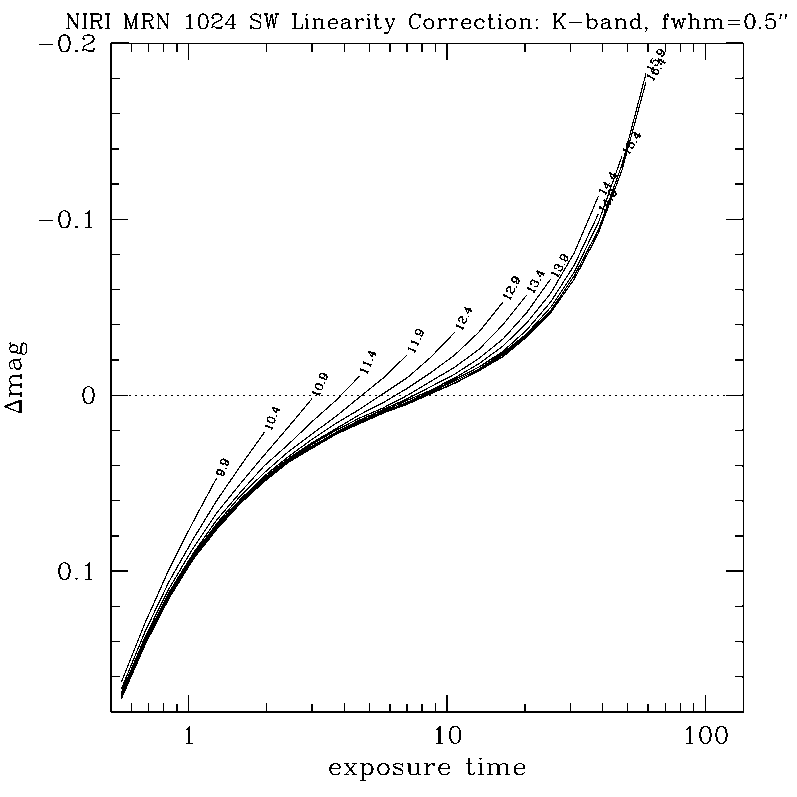
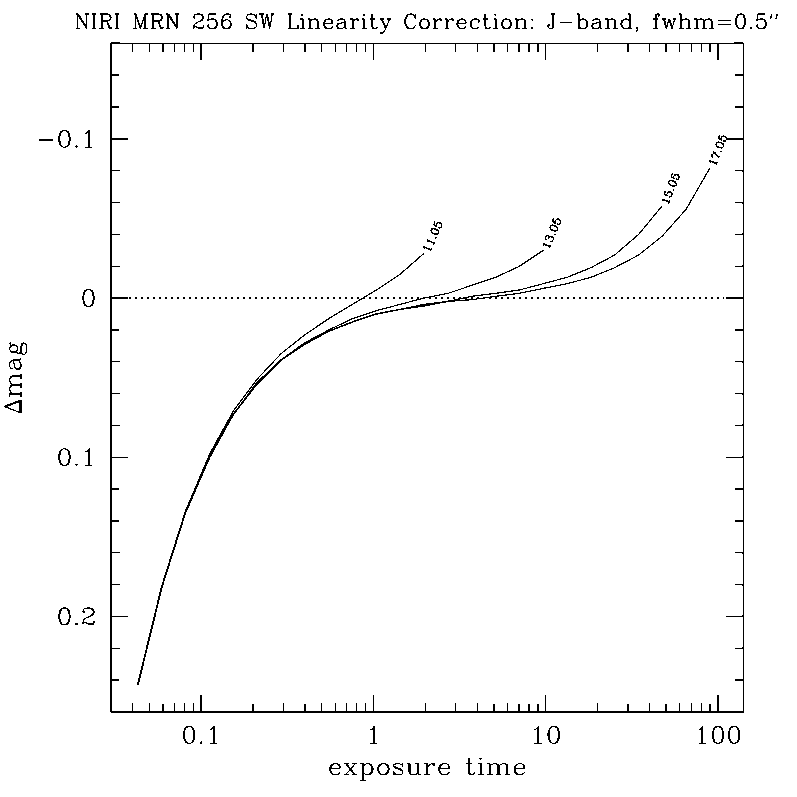
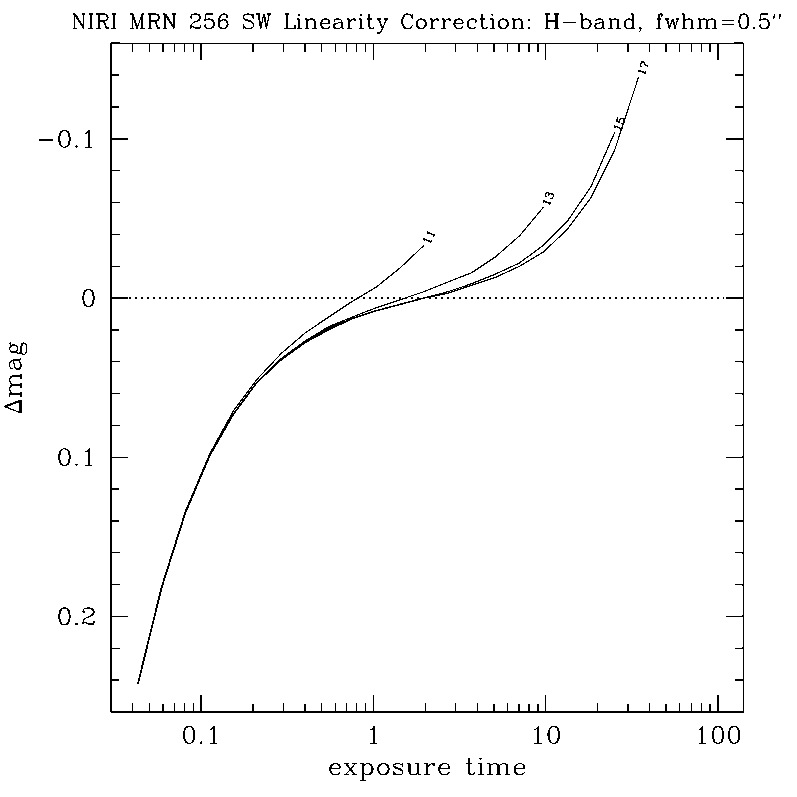
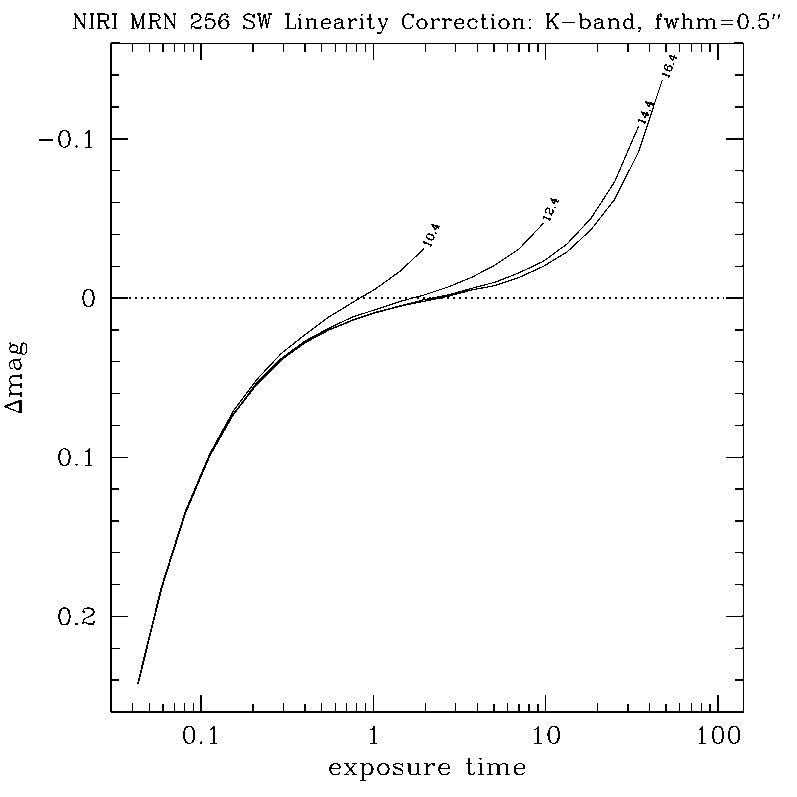

NIRLIN should be used to linearize all science data. This version uses three coefficients to correct for non-linearity in the NIRI detector: an exposure time correction, a counts squared term and a counts cubed term. These coefficents are dependent on the read mode and detector ROI. We have currently derived coefficients for the following configurations:
| Read Mode | ROI | Well Depth | dt | c2 | c3 |
|---|---|---|---|---|---|
| Low RN | 1024 | shallow | 1.266 | 7.39e-06 | 1.94e-10 |
| Medium RN | 1024 | shallow | 0.094 | 3.43e-06 | 4.81e-10 |
| Medium RN | 256 | shallow | 0.0103 | 6.82e-06 | 2.13e-10 |
| High RN | 1024 | shallow | 0.0097 | 3.04e-06 | 4.64e-10 |
| High RN | 1024 | deep | 0.0077 | 3.58e-06 | 1.82e-10 |
Note: We have not yet quantified the effect of linearizing flat fields.
NAME
       nirlin.py - NIR linearization

SYNOPSIS
       nirlin.py [options] infile

DESCRIPTION
       Run on raw or nprepared Gemini NIRI data, this
       script calculates and applies a per-pixel linearity
       correction based on the counts in the pixel, the
       exposure time, the read mode, the bias level and the
       ROI.  Pixels over the maximum correctable value are
       set to BADVAL unless given the force flag.
       Note that you may use glob expansion in infile,
       however, any pattern matching characters (*,?)
       must be either quoted or escaped with a backslash.

OPTIONS
       -b  : value to assign to uncorrectable pixels [0]
       -f : force correction on all pixels
       -o <file> : write output to <file> [l<inputfile>]
            If no .fits is included this is assumed to be a directory
       -v : verbose debugging output

VERSION
       2013 Jun 24